Electricity prices
Your plan is built around actual day-ahead electricity prices (from sources like Nordpool) and your specific energy package including fees, subsidies, and any special rates you may have. This helps us make decisions that are both realistic and cost-effective.
When do plans arrive?
Usually when prices come in for the next day, our price engine starts calculations and sites are queued up. Some sites get the next day's AI plans a bit later than others. If you check the plan right when prices arrive and don't see it yet, your site might still be in the queue - check again in a few minutes.
How AI uses electricity prices to maximize value
- Buys cheap for later use (arbitrage) - Charge battery during low-price hours, discharge during high-price hours
- Buys cheap and sells high (trading) - Charge from grid during cheap hours, export to grid during expensive hours
- Uses solar optimally - Sometimes it's better to charge battery from solar and export grid energy during high prices
Time-of-Use (TOU) Tariff Handling
For customers with TOU tariffs, we have developed features that allow setting specific charge-hour windows. This feature is available under AI Settings > Charge command.
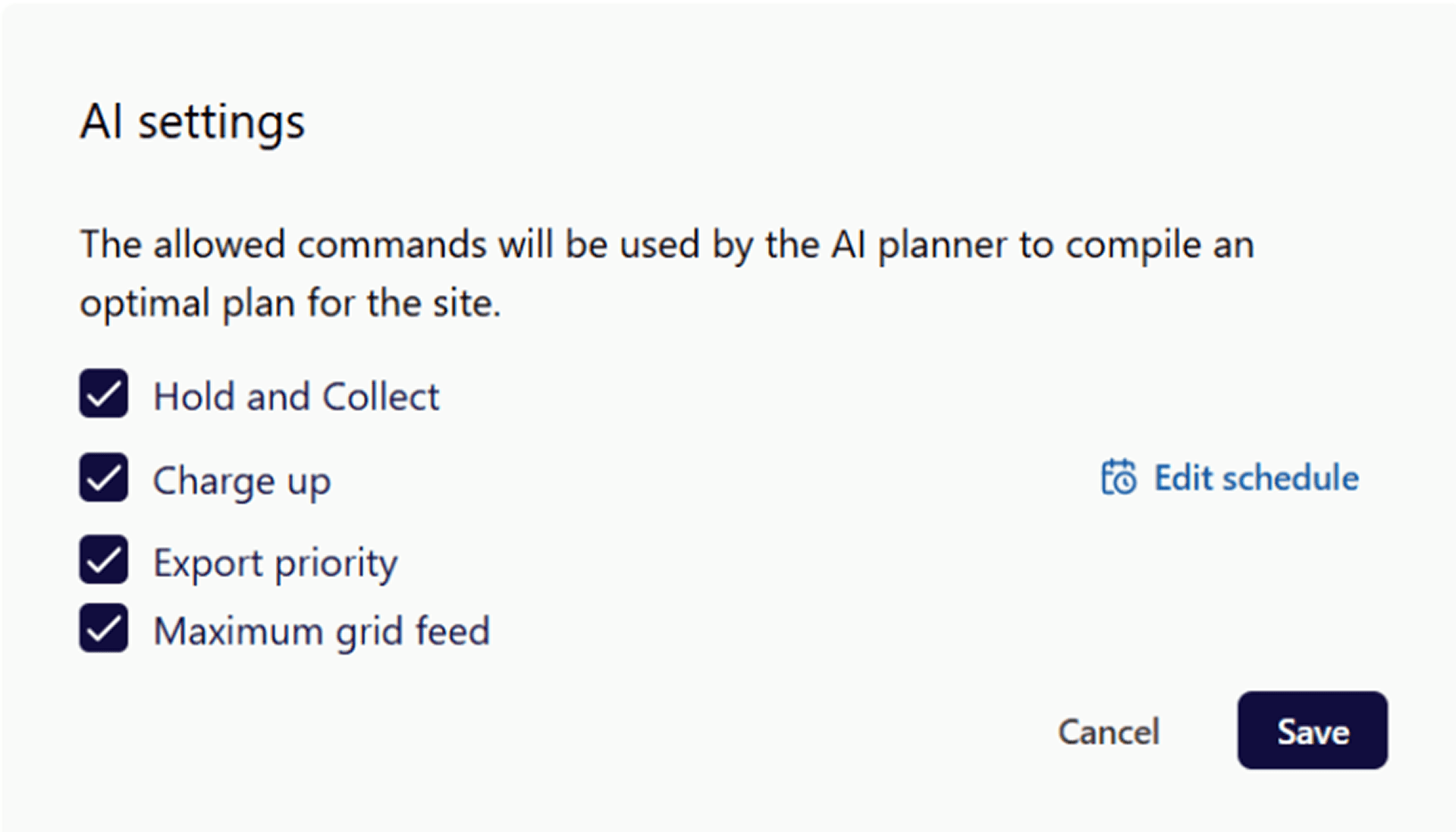
Contact support if you have a TOU package that needs configuration.
How selling to grid works
When grid export is enabled and electricity prices are high, the AI may issue:
- Sales Priority command - After covering the consumption, prioritize selling solar to the grid instead of charging the battery
- Maximum Grid Feed command - Export as much power from the battery as possible
Learn more about the Plan Commands here
Selling and its limitations
Your ability to sell depends on:
- Inverter export capability - Some inverters have maximum export power limits
- Grid connection limits - Your utility connection may have export restrictions
- Battery discharge limits - Battery can only discharge at certain rates
- Minimum SOC protection - AI will not discharge below your protected battery level
Negative Price Protection
When electricity prices go negative, the AI automatically:
- Stops exporting to grid
- May reduce solar production to the level of current consumption
- Holds battery or charges from excess solar
- Minimizes grid import during negative price hours
Flex Service & AI Interaction If you want to see how the AI planner interacts with Flex you can see this article.
Battery state
Revenue vs. Battery Protection Trade-offs
Charging and discharging cycles do cause little battery wear but AI does not take it into consideration during commands planning and execution.
Site-specific settings
Understanding Plan Commands and AI Priority
The AI uses different plan commands to control your battery and energy flow. Learn more about all commands here.
Current Import Limit behavior
Important current limitation: At the moment, the import limit is applied only when charging the battery from the grid. This means:
- Import limit works: when the battery is charging from the grid
- Import limit does NOT work: when home consumption exceeds the limit
Example scenario:
- Import limit set to 4 kW
- Home consumption spikes to 7 kW
- Command is Hold & Collect (battery not discharging)
- Result: system will import 7 kW from the grid to cover consumption, exceeding the 4 kW limit
What you probably need: peak-shaving capability, which is currently in development.
Peak Shaving (Coming Soon)
Peak shaving is much more complex than import limit because it introduces many additional scenarios.
Example complexity:
- Peak-shaving limit: 4 kW (max grid import)
- AI command: Charge Up battery
- Home consumption: 7 kW
- Solar production: 0 kW
In this situation, the battery cannot be charged at all — the system would actually need to discharge 3 kW from the battery to keep the grid import below the 4 kW limit, even though the command says "Charge Up."
We're testing peak shaving vendor-by-vendor to ensure it works correctly across all combinations of commands, consumption, and solar production.
Learn more: Import Limit
Help
If you have any questions about planner performance feel free to contact [email protected]
When contacting support, please include:
- Specific date/time of unexpected behavior
- Screenshot of Plan 24 graph
- Description of what you expected vs. what happened